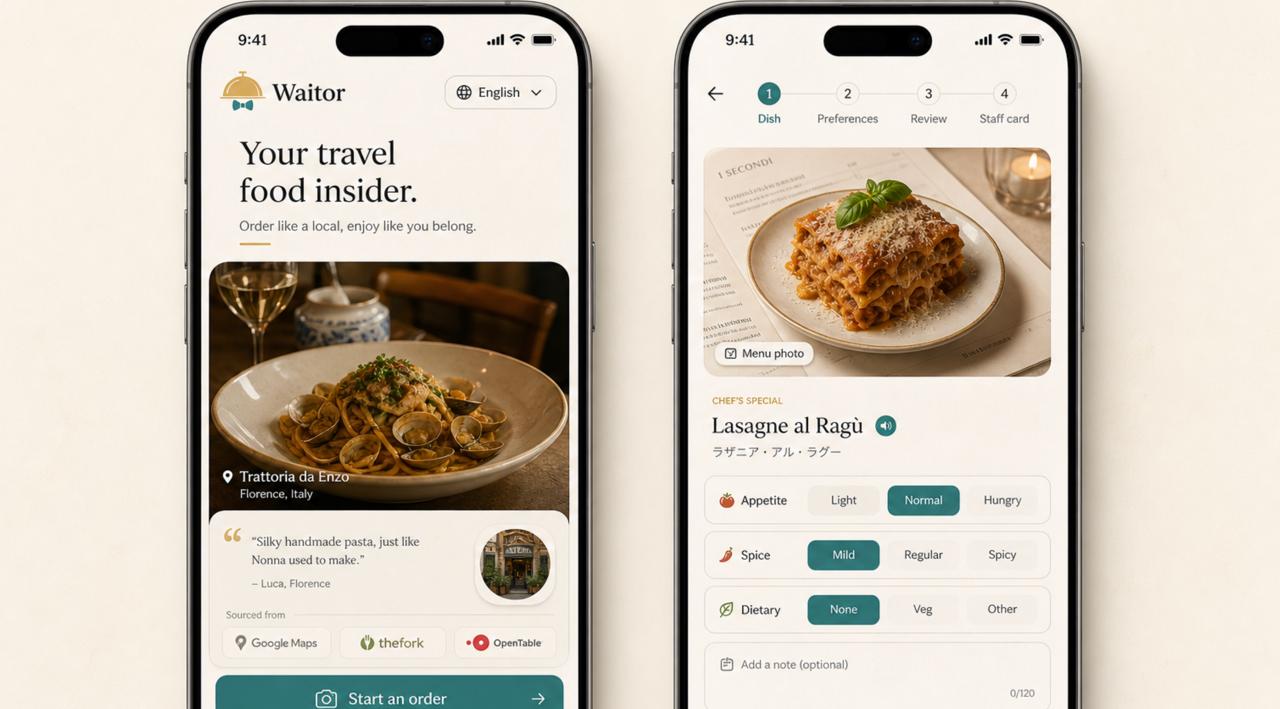
Two Waitor app screens showing a restaurant order flow and dish preferences.

Travel food companion

Waitor

Order with more confidence when the menu, language, and local food signals are unfamiliar.

Store links will be added here after Apple App Store and Google Play review.

A shorter path from menu to order.

Waitor is built for the moment at the table: quick inputs, practical context, and a staff-ready order card.

1

Start from the restaurant

Use a nearby place, a Google Maps link, or the restaurant name. Waitor keeps the flow focused on ordering, not browsing.

2

Add the menu

Bring a menu photo or restaurant link. Waitor reads the useful parts and keeps dish names, prices, and notes together.

3

Order clearly

Choose appetite, spice, dietary needs, and budget. Get a compact recommendation and local-language staff card.

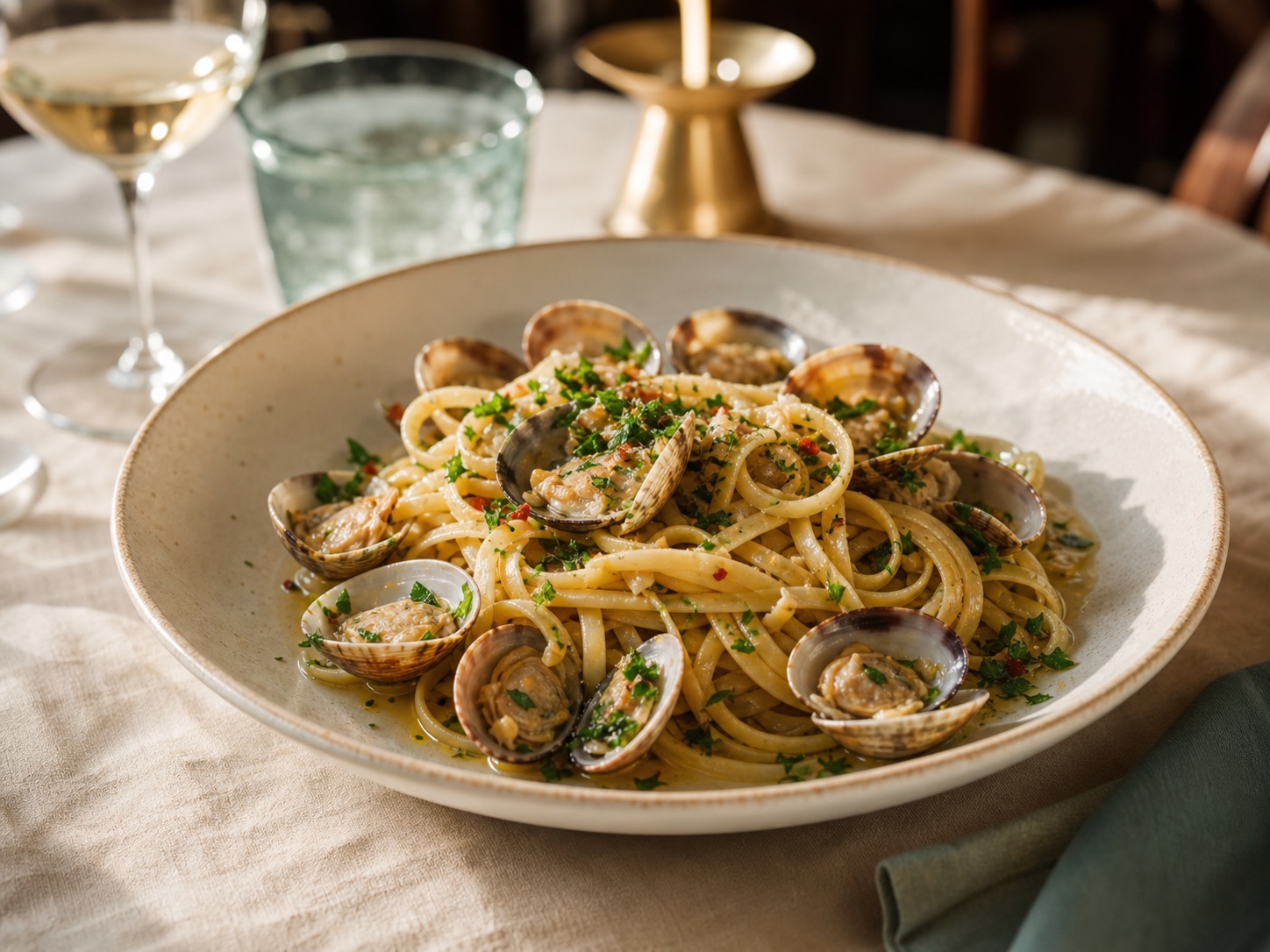
A pasta dish at a restaurant table.

Helpful by being specific.

Waitor does not try to be a restaurant feed. It helps you make one good order from the place you already picked.

Preference-aware

Hunger, spice, dietary needs, budget, and notes stay close to the recommendation.

Review-aware

Local food signals can support the recommendation when they are available.

Staff-ready

The final card is meant to be shown, read, or copied at the counter or table.

Download Waitor

Waitor is preparing for store release. These links will be replaced with live store pages after review.